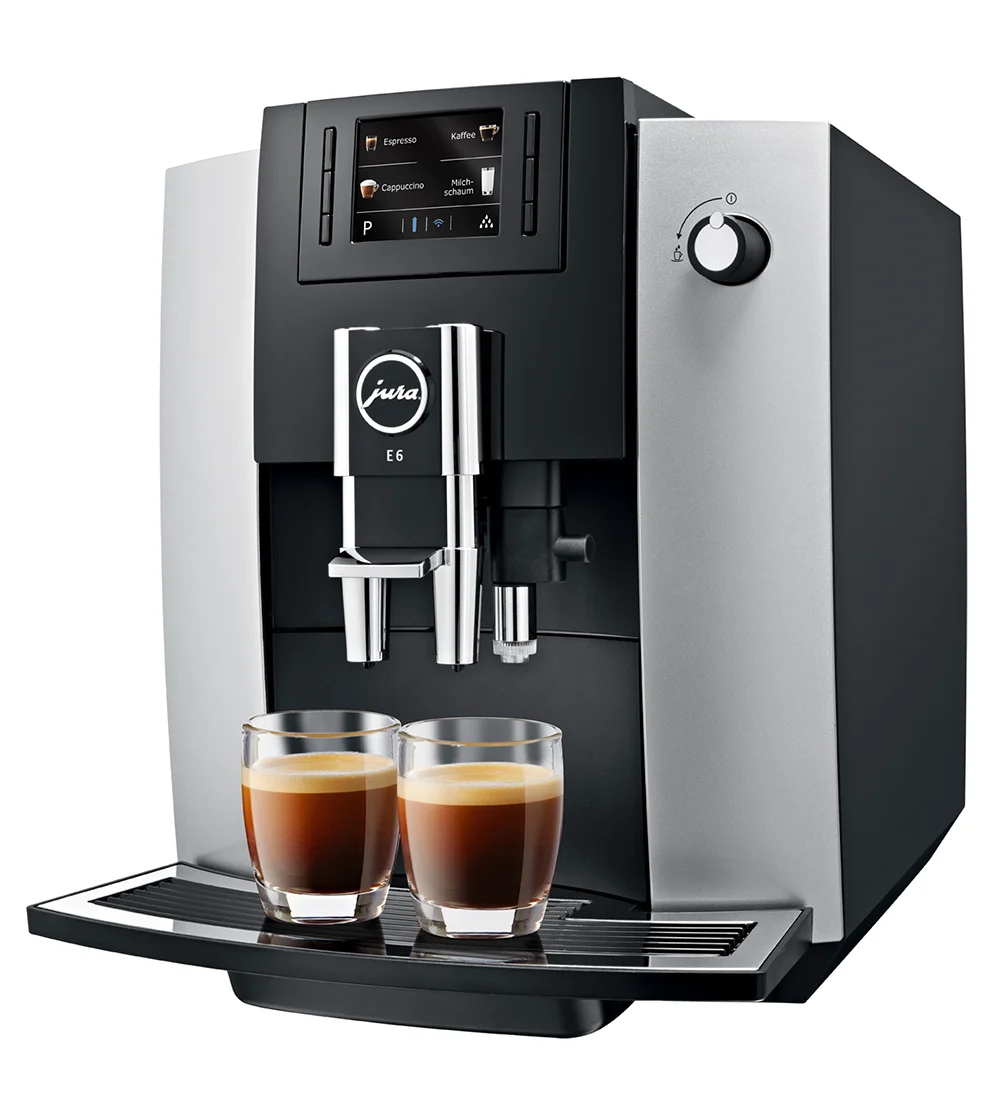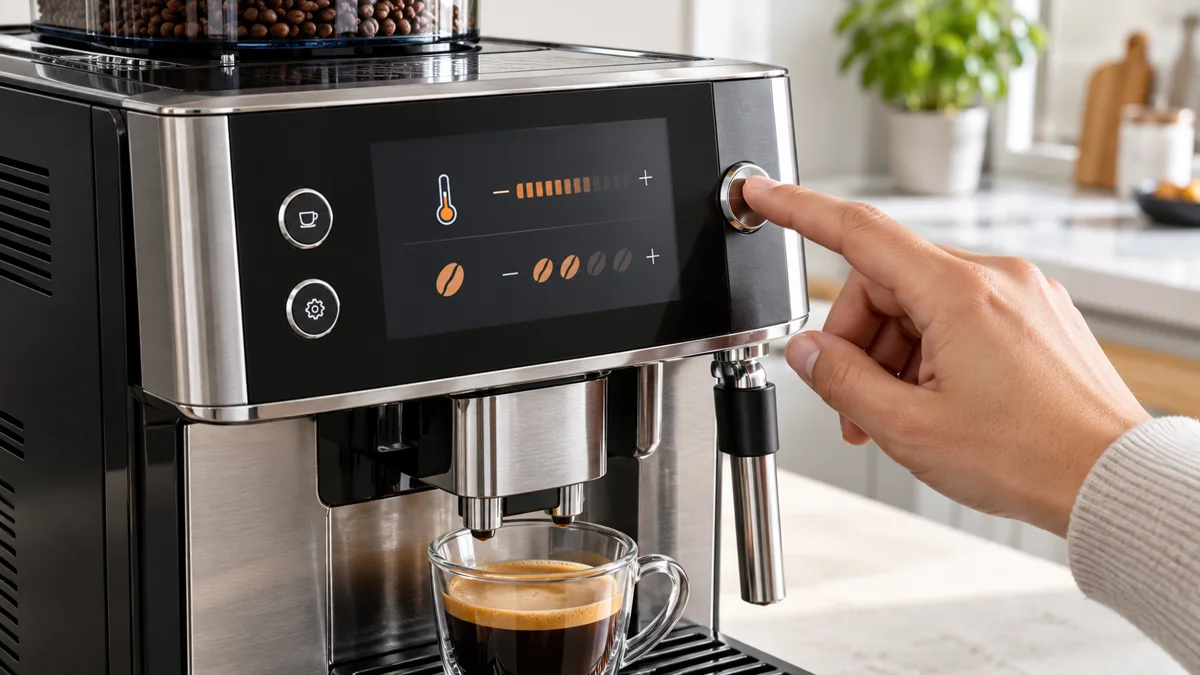
Quick Answer: The Jura E6 temperature setting is inside each drink, not in the machine menu. On the start screen, hold a drink button (for example ‘Coffee’) for about two seconds, then press ‘Product settings’. Use the buttons to the left and right of the three-dot page indicator to move to ‘Temperature’, change it with the arrow buttons, and press ‘Save’. The setting is stored for that drink only.
This guide follows Jura’s instructions for use for the current E6 with the 2.8-inch color display. Menu names in quotes are the manual’s own. Where the manual gives no number, we say so.
Repair Service
E6 fault, not a settings question?
An error message, a leak, or cold coffee at the highest temperature level needs a technician. Tell us the fault and your location. We look for a repair technician who covers your area. No obligation.
Jura E6 Settings at a Glance
| Setting | Where it is | Range | Default per manual |
|---|---|---|---|
| Coffee temperature | Hold drink button 2 sec > ‘Product settings’ > ‘Temperature’ | 3 levels (Jura product page) | Not stated |
| Hot water temperature | Hold ‘Hot water’ 2 sec > ‘Product settings’ > ‘Temperature’ | 3 levels (Jura product page) | Not stated |
| Coffee strength | Arrow buttons during grinding, or ‘Product settings’ | 10 levels (Jura product page) | Not stated |
| Water volume | Arrow buttons during preparation, or ‘Product settings’ > ‘Volume’ | Not stated | Not stated |
| Milk foam amount | Arrow buttons during preparation, then ‘Save’ | Not stated | Not stated |
| Grind | Grinder adjustment switch under the filler funnel cover | Fine (1) to coarse (2) | Not stated |
| Water hardness | Cockpit > ‘Machine setting’ > ‘Water hardness’ | 1 °dH to 30 °dH | Set at first use |
| Automatic switch-off | Cockpit > ‘Machine setting’ > ‘Switch off after’ | 15 min, 30 min, 1-9 hours | Not stated |
| Units | Cockpit > ‘Machine setting’ > ‘Units’ | ml or oz | oz |
| Language | Cockpit > ‘Machine setting’ > ‘Choose language’ | Display languages | Chosen at first use |
| Start screen | Cockpit > ‘Machine setting’ > ‘Number of products’ / ‘Product name’ | Two or four products, names on or off | Not stated |
| Factory reset | Cockpit > ‘Machine setting’ > ‘Factory setting’ | - | - |
The Two Places Settings Live
- Product settings. Amount, coffee strength and temperature belong to each drink. Hold the drink button on the start screen for about two seconds to open them.
- The JURA Cockpit. Machine-wide settings live here. Press the Cockpit button (the gear symbol) on the start screen. The Cockpit has a ‘Maintenance’ section and a ‘Machine setting’ section.
The start screen shows only some of the drinks. Press the arrow button to go to the second product page. ‘Caffè Barista’ and ‘Hot water’ are on that page.
How to Change the Temperature on the Jura E6
This is the manual’s procedure for product settings, applied to temperature.
- Go to the start screen.
- Hold the drink button, for example ‘Coffee’, for about two seconds.
- Press ‘Product settings’. The first page shows the coffee strength.
- Press the button to the right of the three-dot page indicator until ‘Temperature’ shows. ‘Volume’ is the page in between.
- Press the
<or>button to change the value. - Press ‘Save’.
- Press the back button to return to the start screen.
No drink is made during these steps. Repeat them for each drink, because the E6 stores the temperature per product.
How many levels: Jura’s product page lists three levels for brewing temperature and three for hot water temperature. The manual does not name them.
Our suggestion (not Jura’s): set ‘Coffee’ and ‘Espresso’ to the highest level if you drink them black from a cold cup. Step back one level if the coffee starts to taste bitter.
Coffee still not hot enough? The manual itself recommends prewarming the cup, because a cold porcelain cup cools the drink. If the highest level and a warm cup do not help, work through our guide to Jura coffee that is not hot enough.
Older E6 with the P Button
Jura’s manual for the earlier E6 describes a different route. Press the ‘P’ button, press > until ‘3/4’ shows, then press ‘Expert mode’. Select the drink and then ‘Temperature’. That manual lists normal and high for coffee drinks, and low, normal and high for hot water. It lists 8 strength levels instead of 10.
Coffee Strength
There are two ways to change strength.
For one cup: start the drink. Press the < or > button while the grinder runs. The change applies to that cup only.
Permanently:
- Hold the drink button for about two seconds.
- Press ‘Product settings’.
- Press
<or>to change the coffee strength. - Press ‘Save’, then the back button.
Jura’s product page lists 10 strength levels. For a stronger cappuccino without changing the setting, hold the Cockpit button for two seconds to open Specialty Selection and choose ‘Extra Shot’. The machine then brews twice, each time with half the water.
Our suggestion: start two or three steps above the middle for espresso and at the middle for coffee. If the cup is still thin, make the grind finer before you add more strength.
Water Volume
For one cup: press < or > during preparation. Hold the button longer and the value changes faster.
Save it after a cup: press ‘Save’ straight after the preparation. The adjusted amount is now permanent for that drink.
Set it without brewing: hold the drink button for two seconds, press ‘Product settings’, step to ‘Volume’, change it, and press ‘Save’.
The current manual gives no minimum or maximum volume. The display shows oz unless you change ‘Units’ to ml.
Our suggestion: 1.5 oz (45 ml) for espresso and 4 oz (120 ml) for coffee. A shorter drink also arrives hotter and stronger. Our espresso settings guide has recipes per drink.
Milk Foam Amount
To change the amount, press < or > while the foam flows. Press ‘Save’ straight after the preparation to keep it. Jura’s product page confirms that the amount of milk and milk foam is programmable per drink. The current manual does not give the range. The older E6 manual lists 3 to 120 seconds.
Jura states that the most important condition for good foam is a milk temperature of 39-46 °F (4-8 °C). The E6 has no milk temperature setting.
Grind Adjustment
The E6 does not adjust grind in the menu. It has a grinder adjustment switch on top of the machine, under the cover of the filler funnel for ground coffee. Position 1 is fine. Position 2 is coarse.
Jura’s warning is direct: adjust the grind only while the grinder is running. If you turn the switch with the grinder stopped, the switch could be damaged.
- Place a cup under the coffee spout.
- Open the cover of the filler funnel for ground coffee.
- Press ‘Espresso’ to start preparation.
- Turn the switch to the new position while the grinder runs.
- Close the cover.
The manual says the grind is correct when coffee flows regularly from the spout and a fine, thick crema forms. If coffee only comes out in drips, the manual tells you to set the grinder coarser.
Our suggestion: move a small step at a time and judge the second cup, not the first. Our Jura grinder settings guide covers bean types and symptoms.
Machine Settings in the Cockpit
Press the Cockpit button (the gear symbol), then open the ‘Machine setting’ section. Change a value with < or > and press ‘Save’.
Water Hardness
Select ‘Water hardness’. The range is 1 °dH to 30 °dH. Use the Aquadur test strip supplied with the machine: hold it under flowing water for one second, shake it off, and read it after about one minute. This setting decides how soon the E6 asks for descaling or a new filter. With a CLEARYL Smart filter in use, the manual says the E6 no longer has to be descaled. See our descaling guide and CLARIS filter guide.
Automatic Switch-Off Time
Select ‘Switch off after’. The options are 15 minutes, 30 minutes, or 1 to 9 hours after the last action on the machine.
Our suggestion: 1 or 2 hours suits most homes. A very short time means more warm-up rinses.
Units and Language
‘Units’ switches the water amount between ml and oz. The US manual states that oz is the standard. ‘Choose language’ changes the display language.
Factory Reset
Select ‘Factory setting’. The manual states that the E6 is reset to factory settings and then switches off. The manual does not list what is erased. Expect to set language, water hardness and your drink settings again. Write down your amounts first.
When Settings Are Not the Problem
A setting does not fix a fault. The manual tells owners to contact customer support for a grinder that makes a very loud noise and for most ‘ERROR’ messages. ‘ERROR 2’ or ‘ERROR 5’ can appear when the machine has been in the cold for a long time. The manual’s fix is to warm the machine at room temperature.
Repair Service
Settings did not fix it?
If the E6 shows an error, leaks, or makes cold coffee at the highest temperature setting, it needs a technician. Tell us the fault and your location. We look for a repair technician who covers your area. No obligation.
Not an owner yet? The E6 sells new at roughly $1,760-$1,900 with 11 specialties and the Professional Aroma Grinder. Check the current E6 price.
Frequently Asked Questions
Where is the temperature setting on the Jura E6?
Inside each drink. Hold the drink button for about two seconds, press ‘Product settings’, and step across to ‘Temperature’ with the buttons beside the three-dot page indicator. Change the value and press ‘Save’.
How many temperature levels does the Jura E6 have?
Three for brewing and three for hot water, per Jura’s product page. The current manual does not name them.
Is the temperature setting the same for every drink?
No. The E6 stores it per product. Repeat the steps for each drink.
How do I change the grind setting on the Jura E6?
Open the cover of the filler funnel for ground coffee. Start an espresso. Turn the grinder adjustment switch only while the grinder is running.
How do I reset the Jura E6 to factory settings?
Press the Cockpit button, open ‘Machine setting’, and select ‘Factory setting’. The machine resets and switches off.
How do I change the Jura E6 from oz to ml?
Press the Cockpit button, open ‘Machine setting’, select ‘Units’, choose ml, and save.
Related
- Jura E6 Review - who the E6 fits and what it costs
- Jura Coffee Not Hot Enough - what to check after the temperature setting
- Jura Grinder Settings Guide - grind by bean type and symptom
- Jura Espresso Settings Guide - how grind, strength, volume and temperature work together
- Jura E6 vs E8 - what the next model up adds
As an Amazon Associate, we earn from qualifying purchases at no extra cost to you.