Quick Answer: Check the bean gate first - a small rotating lever or disc on the underside of the bean hopper. It accidentally moves to the closed position when you handle the lid. Open it fully, then press a brew button. This clears the error in most cases. If your beans are oily or dark roasted, run a cleaning tablet cycle next. For machines over 6 years old with this error recurring, worn grinder burrs are the likely cause.
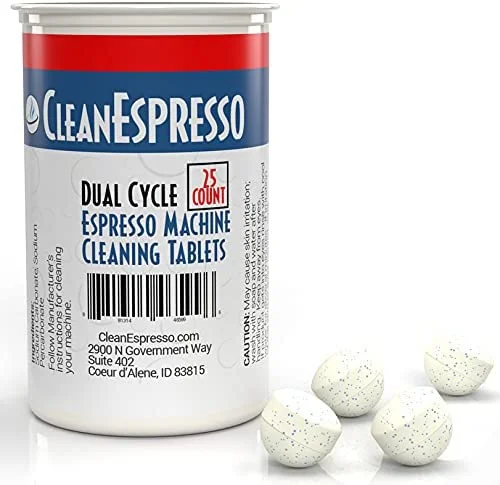
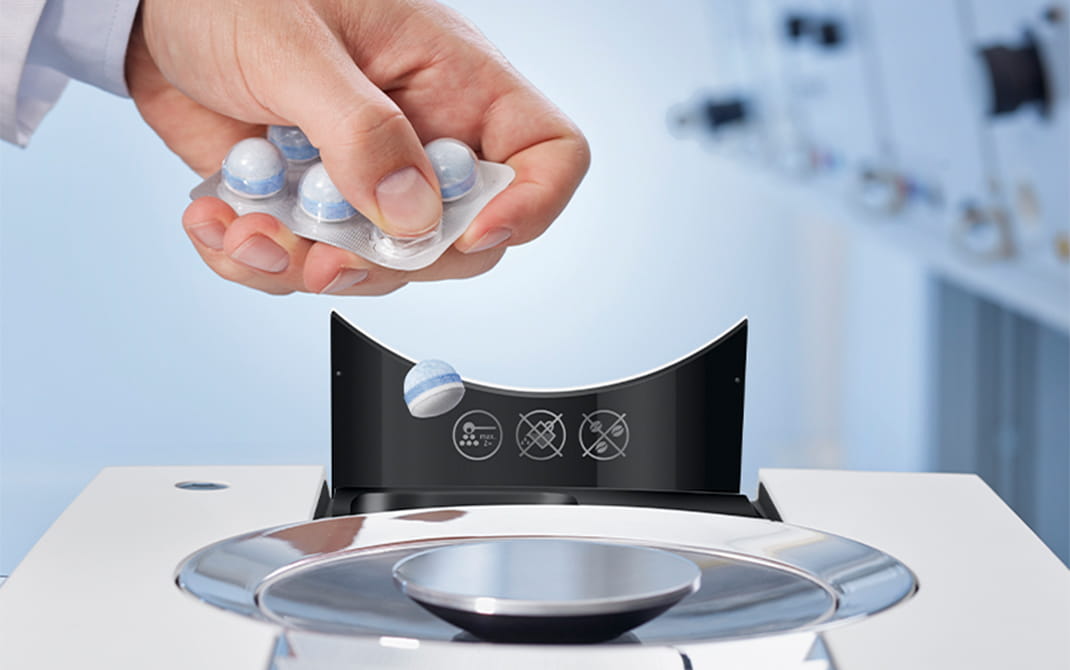
Jura Cleaning Tablets
Oil residue from dark or oily beans causes most phantom “Fill Bean Container” errors. A cleaning cycle often clears it immediately.
Check Price on Amazon →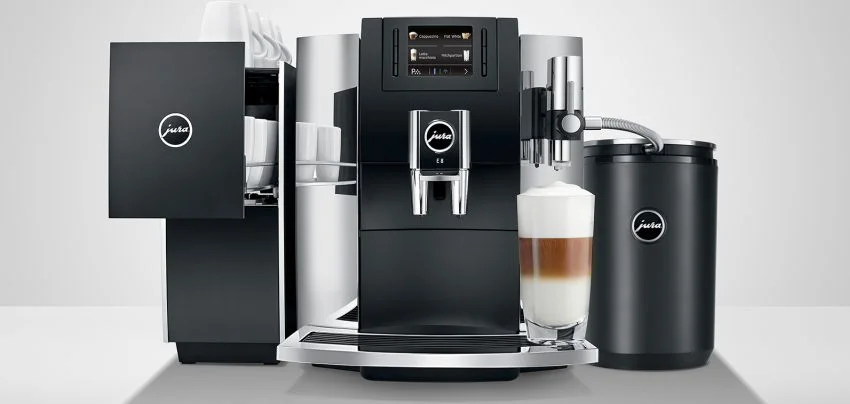
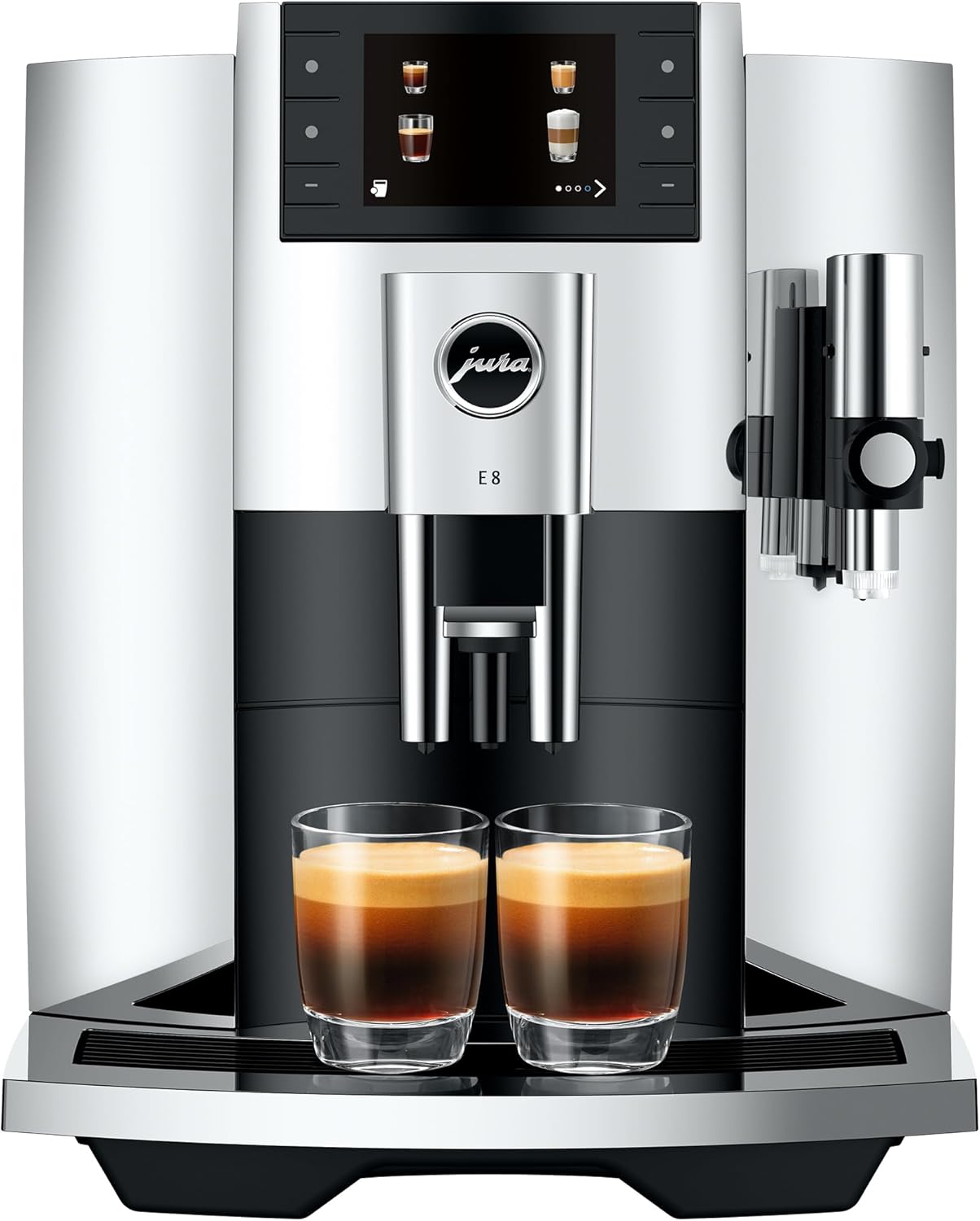
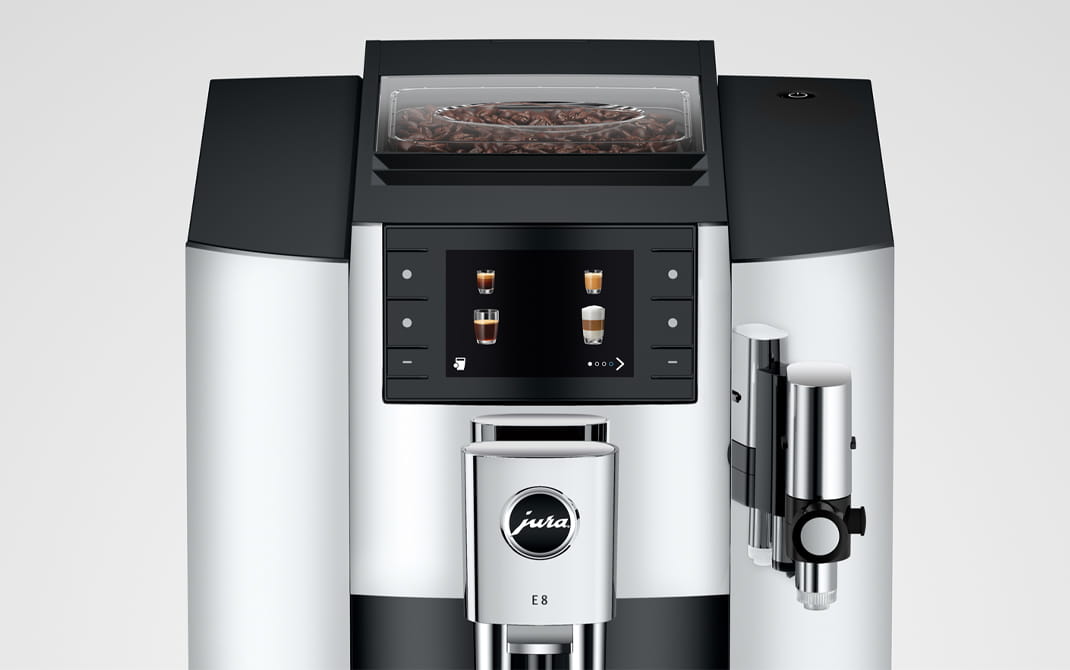
Jura E8 - Our Top Pick for 2026
Recurring grinder faults on older machines often signal worn burrs. The E8 starts fresh with a new ceramic grinder and 2-year warranty.
Check E8 - Best Value Pick →Fix in Order of Likelihood
Step 1: Check the Bean Gate (Most Common)
Most Jura models (E8, Z10, S8, ENA series, Impressa line) have a bean gate - a small plastic lever or slider on the underside or side of the bean hopper. This gate controls whether beans flow into the grinder chute.
- On many models it is a small rotating disc with an open/closed position under the hopper
- It can accidentally move to the closed position when you remove or replace the hopper lid
- Check that it is fully in the open/unlocked position
If the bean gate was closed or partially closed, opening it fully and pressing a brew button will clear the error.
Step 2: Stir the Beans
Beans can bridge or arch over the grinder inlet - especially if they are:
- Oily or dark roasted (the oils cause beans to stick together)
- Old or stale (oils have degraded and become tacky)
- Fine-ground bean dust accumulated at the bottom of the hopper
Open the hopper lid and use a dry spoon or chopstick to stir the beans and break up any clumping near the bottom outlet. Do not use your fingers - the grinder inlet can pull objects in.
After stirring, close the lid and attempt a brew cycle.
If Oily Beans Are the Culprit
Jura Cleaning Tablets
Oil residue from dark or oily beans builds up in the grinder path and sensor area. A cleaning tablet cycle clears it and often resolves phantom bean errors.
Step 3: Clear the Grinder Inlet
Sometimes a single bean gets lodged sideways at the transition between the hopper and the grinder burrs. This physically blocks bean flow even though the hopper is full.
- Remove the bean hopper completely (twist or lift, depending on model)
- Look into the grinder inlet with a flashlight
- If you see a lodged bean, use a wooden skewer or the back of a spoon to dislodge it - do not use metal tools near the burrs
- Replace the hopper and retry
Step 4: Run the Grinder Empty
If the grinder path has accumulated compacted ground coffee (from partial grinds or oily beans), it can block bean flow even when the inlet appears clear.
- Remove the bean hopper
- In the machine menu, look for a grinder or maintenance rinse option
- Alternatively, add a small amount of fresh beans (about 10-15 beans) directly into the grinder inlet (not the hopper) and attempt a brew - this sometimes clears a partial blockage
Step 5: Check for Foreign Objects
Coffee bean bags occasionally contain small stones, wood chips, or dried fruit (in natural/honey process beans). A single stone in the hopper can wedge in the grinder inlet and block bean flow - while also potentially damaging burr grinders if it passes through.
Empty the hopper completely and inspect the beans before refilling. Look through the removed hopper under good lighting.
Step 6: Clean the Bean Sensor
Some Jura models use an optical or mechanical sensor to detect bean presence. If this sensor has accumulated dust or coffee grinds, it may misread the hopper as empty.
- Remove the hopper
- Look for a small sensor or contact point inside the machine’s hopper mount - it is usually a small tab, light sensor, or metal contact
- Wipe gently with a dry cloth or cotton swab
- Replace the hopper and test
Step 7: Try a Power Cycle
If steps 1-6 do not resolve the error:
- Power the machine off using the main switch or power button
- Wait 30 seconds
- Power back on
A full power cycle clears temporary sensor states and sometimes resolves the error without any physical intervention.
If None of the Above Works
Grinder Burr Wear
If your Jura is more than 5-6 years old and has processed 5,000+ cups, the grinder burrs may be worn to the point where they cannot grip beans properly. Worn burrs produce a consistent “Fill Bean Container” error because bean detection relies on grinder resistance.
Signs of burr wear alongside this error:
- Coffee tastes increasingly weak despite grind set to finest
- Grinding cycle sounds different (higher pitch, lighter sound)
- Grind time has shortened
Burr replacement is a service-level repair - contact Jura’s flat-rate service or an authorized repair center. See our Jura maintenance schedule for service interval guidance.
Protect Against Future Issues
Jura CLARIS Water Filter
Soft water reduces mineral deposits on the grinder sensor and internal components. Replace every 2 months to keep everything running clean.
Grinder Blockage from Oily Beans
Heavy use of oily dark roasts (Starbucks Pike Place, many Italian espresso blends) leaves oil deposits that harden and eventually block the grinder path. If you have been using oily beans, a professional service cleaning may be needed to clear the hardened oil residue.
Going forward, use medium roasts with low oil content in your Jura. See our best beans for Jura machines guide for recommendations.
Prevent Future Grinder Issues
Jura Cleaning Tablets
Regular cleaning tablet cycles remove coffee oil buildup that leads to grinder blockages and sensor errors.
Repair Service
Need a Jura Repair Technician?
Tell us your machine, the problem, and your location. We will look for an experienced repair technician who covers your area. There is no obligation to proceed.
Model-Specific Notes
Jura E8, E6: Bean gate is a rotating disc under the hopper. Make sure it is aligned to the open position (lines up with the opening).
Jura Z10: Bean gate is built into the hopper lid mechanism. Check the hopper is fully locked in place - a partially seated hopper can close the gate.
Jura S8: Same mechanism as E8. Also check that the hopper aroma-preserving lid is not pressing the gate partially closed.
Jura ENA series (ENA 4, ENA 8): Smaller hopper, more prone to bean bridging. Stir beans more frequently, especially with lighter-roasted beans that can compact more easily.
Jura Impressa series (older models): Bean gate wear is more common on older units. The plastic gate tab can crack or deform, causing it to misread as closed. Inspect gate condition carefully.
Quick Checklist
Jura “Fill Bean Container” - Fix Checklist
- 1Bean gate - is it fully open/unlocked? (most common cause)
- 2Beans - are they bridged or clumped at the outlet? Stir with a spoon.
- 3Grinder inlet - any lodged beans or blockage visible with a flashlight?
- 4Foreign objects - empty hopper and inspect beans for stones or debris.
- 5Bean sensor - clean sensor contact area with a dry cloth or cotton swab.
- 6Power cycle - switch off, wait 30 seconds, switch back on.
- 7Burr wear? - machine 5+ years old, 5,000+ cups - may need service.
- 8Oily beans? - switch to a dry medium roast. Run a cleaning tablet cycle.
Free Weekly Alerts
Get Jura Maintenance Reminders
We send a weekly digest: cleaning schedules, deal alerts, and tips to keep your Jura running longer. No spam - unsubscribe any time.
No spam. Unsubscribe any time.
FAQ
Can I use pre-ground coffee to bypass the error?
Yes, temporarily. Most Jura models have a bypass doser for pre-ground coffee. This lets you make coffee while you diagnose the bean path issue. Use the bypass doser only as a temporary workaround - it is not designed for regular use.
Will this error damage my machine if I ignore it?
The machine will not brew without detecting bean flow, so ignoring the error just means no coffee. However, if the root cause is a grinder blockage from oily beans, leaving it unresolved can lead to more significant blockage over time. Fix it promptly.
Is this covered under Jura warranty?
If the machine is under 2 years old and the error is caused by a sensor fault or manufacturing defect (not oily bean damage or a foreign object), yes - contact Jura support. If the cause is operator-related (wrong beans, foreign object), warranty typically does not apply.
Related
- How to Empty the Jura Bean Hopper - step-by-step guide to removing beans for cleaning or switching varieties
- Jura Error Codes Guide - all Jura error messages explained
- Jura Cleaning Schedule - prevent grinder issues with regular maintenance
- Best Coffee Beans for Jura Machines - avoid oily beans that cause blockages
- Jura Troubleshooting Guide - other common Jura problems
- Jura E8 Review - our full review of the best-value current model, if you are considering an upgrade
- Impressa grinder runs but no beans feed - C60 and older Impressa diagnosis
Still Having Problems?
Time for an Upgrade?
If your Jura is over 8 years old and having repeated grinder issues, it may be more cost-effective to upgrade than to repair. The E8 is our top pick for home use in 2026.
Check Jura E8 on Amazon →As an Amazon Associate, we earn from qualifying purchases at no extra cost to you.