Your Jura’s grind setting is the single most impactful adjustment you can make. A one-step change in grind fineness affects flavor more than any strength, volume, or temperature tweak. But the manual gives you almost nothing - just “adjust while grinding.” This guide covers everything the manual leaves out.
Quick Reference: Grinder Levels by Model
| Model | Grinder Type | Levels | Adjustment Method |
|---|---|---|---|
| ENA 4 | Aroma G3 | 3 | Dial inside bean hopper |
| ENA 8 | Aroma G3 | 3 | Dial inside bean hopper |
| D6 | Aroma G3 | 3 | Dial inside bean hopper |
| E6 | Aroma G3 | 6 | Dial inside bean hopper |
| E8 | Aroma G3 | 6 | Dial inside bean hopper |
| S8 | Aroma G3 | 6 | Dial inside bean hopper |
| Z10 | P.R.G. (Product Recognizing Grinder) | Auto + manual override | Automatic per drink type |
| GIGA 6 / GIGA 10 | Dual ceramic grinders | 6 per grinder | Dial inside each bean hopper |
Grind Only Works With Good Beans
Best Beans for Jura Machines
Medium roast, low oil, consistent particle size. The right bean makes every grind setting work better.
See Our Bean Picks →6-Level Grinder
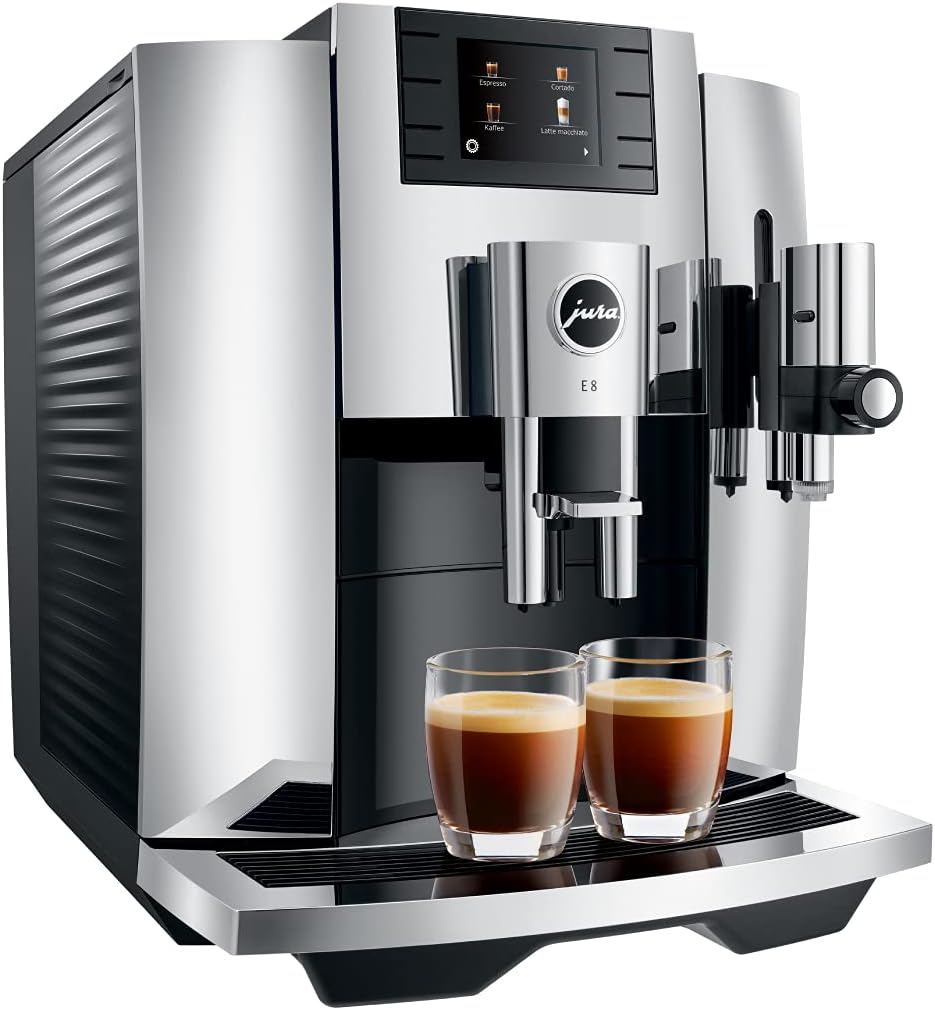
Jura E8
The most popular Jura with 6 grind settings, giving you twice the adjustment range of entry models.
Check E8 Price →The One Rule: Only Adjust While Grinding
This is the most important thing in this entire guide. Only turn the grind adjustment dial while the grinder is actively running - during a brew cycle, when you hear the grinding noise.
Adjusting while the grinder is stationary forces the burrs against each other without beans in between. This can:
- Chip or crack the ceramic burrs
- Jam the grinder mechanism
- Create metal/ceramic dust that contaminates your next cup
If you have already adjusted while stationary and the grinder sounds different, run 3-4 cycles to clear debris. If the sound does not normalize, contact Jura service.
How to Find and Use the Adjustment Dial
On most Jura models (ENA, E-series, S-series, D-series), the grinder adjustment dial is located inside the bean hopper:
- Open the bean hopper lid
- Look for a round dial at the bottom of the hopper, surrounding or near the opening where beans feed into the grinder
- The dial has notches or numbers indicating positions
- Start a brew cycle - wait until you hear grinding
- While grinding is active, turn the dial one notch in the desired direction
- Let the brew complete normally
Direction: Turning toward the coffee bean icon (or lower numbers) = finer grind. Turning toward the larger dot icon (or higher numbers) = coarser grind. The exact markings vary by model, but the principle is universal across all Jura machines.
When to Go Finer
Go one step finer when:
- Espresso tastes weak, thin, or watery - under-extraction from too-coarse grounds
- Little or no crema - water is passing through grounds too quickly
- Coffee tastes sour or acidic - under-extraction produces sour notes
- You switched to a lighter roast - lighter beans need finer grinding to extract properly
- Ristretto or short espresso lacks body - needs more extraction resistance
After adjusting finer: Brew and discard 2-3 cups. The old, coarser grounds sitting in the chute need to clear before the new setting takes effect. Judge the result on the 3rd or 4th cup, not the first.
When to Go Coarser
Go one step coarser when:
- Espresso tastes bitter, burnt, or harsh - over-extraction from too-fine grounds
- Coffee has an ashy or dry aftertaste - classic over-extraction sign
- Brew time is noticeably longer than usual - water is struggling to push through
- You switched to a darker roast - dark roasts extract faster and need coarser grinding
- Machine shows flow errors or slow drip - the puck may be too dense for water to pass
Recommended Settings by Bean Type
| Bean Type | Recommended Grind (6-level) | Recommended Grind (3-level) | Why |
|---|---|---|---|
| Medium espresso roast | 3 (start) | 2 (middle) | Balanced starting point for most users |
| Light roast / single origin | 2 (fine) | 1 (finest) | Light beans need more extraction |
| Dark roast / Italian style | 4 (medium-coarse) | 2-3 (middle to coarse) | Dark beans extract faster, go coarser to avoid bitterness |
| Decaf beans | 2-3 (fine to medium) | 1-2 (fine to middle) | Decaf is drier and harder - needs finer to compensate |
| Pre-ground (bypass doser) | N/A | N/A | Grinder is bypassed entirely |
Important: These are starting points. Your ideal setting depends on bean freshness, roast date, humidity, and personal taste. Adjust from here in single increments.
Recommended
Lavazza Super Crema
Medium roast, low oil, excellent consistency. Grinds cleanly in Jura machines without clogging. Start at grind level 3.
Grind Setting vs. Strength Setting - What Is the Difference?
This confuses almost every new Jura owner. They are two completely different controls:
| Grind Setting | Strength Setting | |
|---|---|---|
| What it controls | How fine the coffee particles are | How much ground coffee is used per cup |
| Where to adjust | Physical dial in bean hopper | Digital menu on display |
| When to adjust | Only while grinding | Any time |
| Effect on flavor | Changes extraction quality - body, bitterness, acidity | Changes intensity - stronger or milder |
| Analogy | Like adjusting how finely you chop garlic | Like adding more or less garlic to the pan |
Adjust grind first, strength second. Grind changes the quality of the extraction (how much flavor is pulled from the coffee). Strength changes the quantity (how much coffee is used). Getting the grind right is more impactful than increasing the dose.
The Z10 Exception: Product Recognizing Grinder (P.R.G.)
The Jura Z10 is the only current Jura model that adjusts grind automatically per drink type. Its P.R.G. system detects which drink you selected and shifts the grinder to match:
- Finer for espresso and ristretto
- Medium for cappuccino and latte macchiato
- Coarser for cold brew and lungo
You can still override the automatic setting via the drink customization menu, but most Z10 owners leave P.R.G. on auto and adjust strength/volume instead. If you want full manual grind control across all drinks, the E8 or S8 are better choices.
GIGA Models: Dual Grinder Setup
The GIGA 6 and GIGA 10 have two independent grinders, each with its own bean hopper and adjustment dial. This lets you load two different bean types (e.g., espresso roast in one, decaf in the other) and assign each grinder to specific drinks.
Adjust each grinder independently using the same “only while grinding” rule. The GIGA’s software lets you assign which grinder services which drink specialty.
Beans That Damage the Grinder
Not all beans are safe for Jura’s ceramic grinders. Avoid:
- Oily/shiny dark roasts - oil coats the burrs and chute, reducing grind consistency and eventually clogging the path. Starbucks French Roast and similar ultra-dark beans are the most common offenders.
- Flavored beans - sugar-based coatings (vanilla, hazelnut) build up sticky residue inside the grinder
- Beans with visible oil on the surface - if the bag is oily on the inside, the beans are too oily for a super-automatic
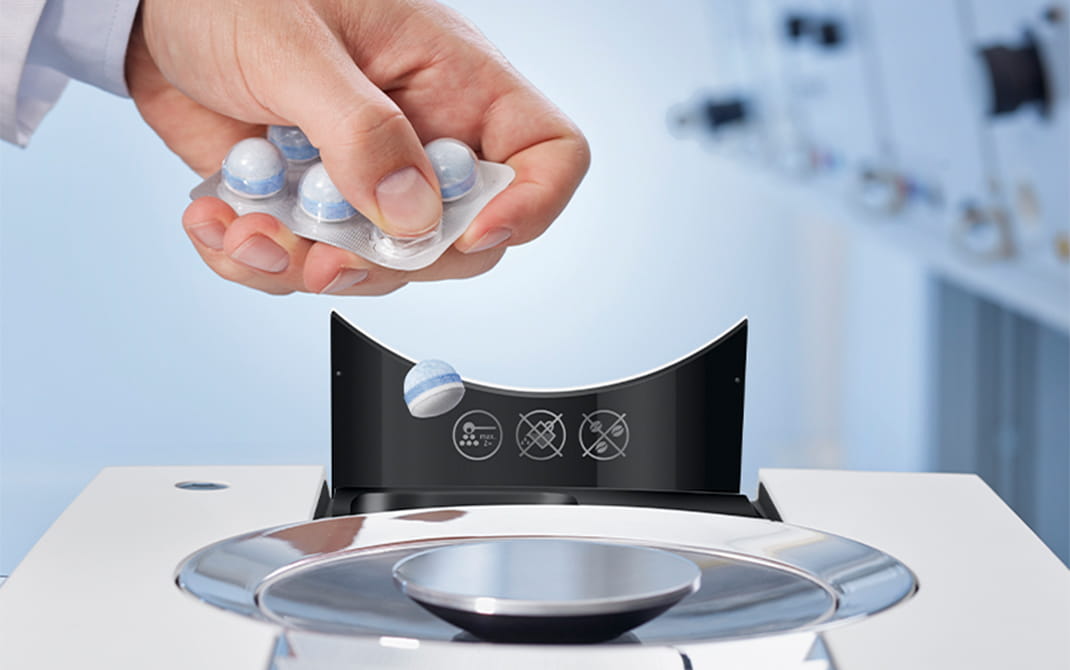
If you have been using oily beans and notice grind quality declining, run 3-4 cleaning tablet cycles and brew with a bag of dry, medium-roast beans to help clear the oil residue.
See our full guide: Can You Use Dark Roast Beans in a Jura?
Maintenance: Keeping the Grinder Performing
The grinder itself requires very little maintenance, but neglecting the brew unit around it affects grind performance over time.
Every 200 brews: Run a cleaning tablet cycle. This removes oil buildup from the brew chamber that can back up into the grinder chute.
Every 2-3 months: Descale the machine. Scale does not directly affect the grinder, but it reduces water temperature, which makes even a correct grind extract poorly.
Every 2 months: Replace the CLARIS water filter. A depleted filter allows mineral buildup that affects overall machine performance.
Signs Your Grinder Needs Professional Service
If you have had your Jura for 5+ years or made 5,000+ cups, the ceramic burrs may be wearing. Signs:
- Grind adjustment has little or no effect on flavor
- Coffee quality has been gradually declining despite fresh beans and a clean machine
- Grinder sounds different - lighter, higher-pitched, or inconsistent
- Visible chips or uneven wear on burrs (requires disassembly to check)
Jura offers flat-rate repair service that includes burr replacement. For machines under 5 years old, grinder issues are more likely caused by oily bean residue than burr wear - try a deep cleaning cycle first.
Troubleshooting Common Grinder Problems
Grinder runs but no coffee comes out: The chute between grinder and brew unit is likely clogged with oil residue or compacted fines. Run 2-3 cleaning tablet cycles back to back. If that does not clear it, the machine needs professional cleaning.
Grinder sounds louder than normal: Usually caused by a foreign object (small stone mixed in with beans) or a bean fragment stuck between burrs. Empty the hopper, vacuum out loose grounds, and run a cycle with fresh beans. If the sound persists, contact service.
Grind setting resets after power cycle: The grind setting on Jura machines is mechanical (physical dial position), not digital. It does not reset. If your grind seems to change, the issue is likely new beans with different density, or humidity changes affecting extraction. Re-adjust as needed.
Coffee tastes different after switching beans: This is normal and expected. Different beans have different densities, oil content, and roast levels. Always re-dial grind settings when switching to a new bean. Start from the middle position and adjust from there.
FAQ
How many grind settings does my Jura have?
Entry-level models (ENA 4, ENA 8, D6) have 3 levels. Mid-range and premium models (E6, E8, S8) have 6 levels. The Z10 adjusts automatically via P.R.G. The GIGA models have 6 levels per grinder (two grinders total).
Can I use pre-ground coffee to bypass the grinder?
Yes. Most Jura models have a bypass doser (small compartment on top, next to the bean hopper) that accepts one scoop of pre-ground coffee. This bypasses the grinder entirely. Useful for occasional decaf without emptying the hopper.
How often should I change the grind setting?
Only when you change bean type, notice a change in flavor quality, or switch between very different drink styles. If your coffee tastes consistent cup to cup, do not adjust. The grind setting is not something to tweak daily.
Will a finer grind make my coffee hotter?
Not directly. Grind fineness affects extraction intensity, not temperature. If your coffee is not hot enough, that is a separate issue - see Jura Coffee Not Hot Enough for temperature-specific fixes.
The Bottom Line
The grind setting is your Jura’s most powerful dial. Start at the middle position with medium-roast beans, adjust one step at a time while grinding, wait 2-3 cups to judge the result, and never adjust while the grinder is stationary. That is 90% of what you need to know.
For the complete dial-in process including strength, volume, and temperature, see our Espresso Settings Guide.
Best All-Rounder
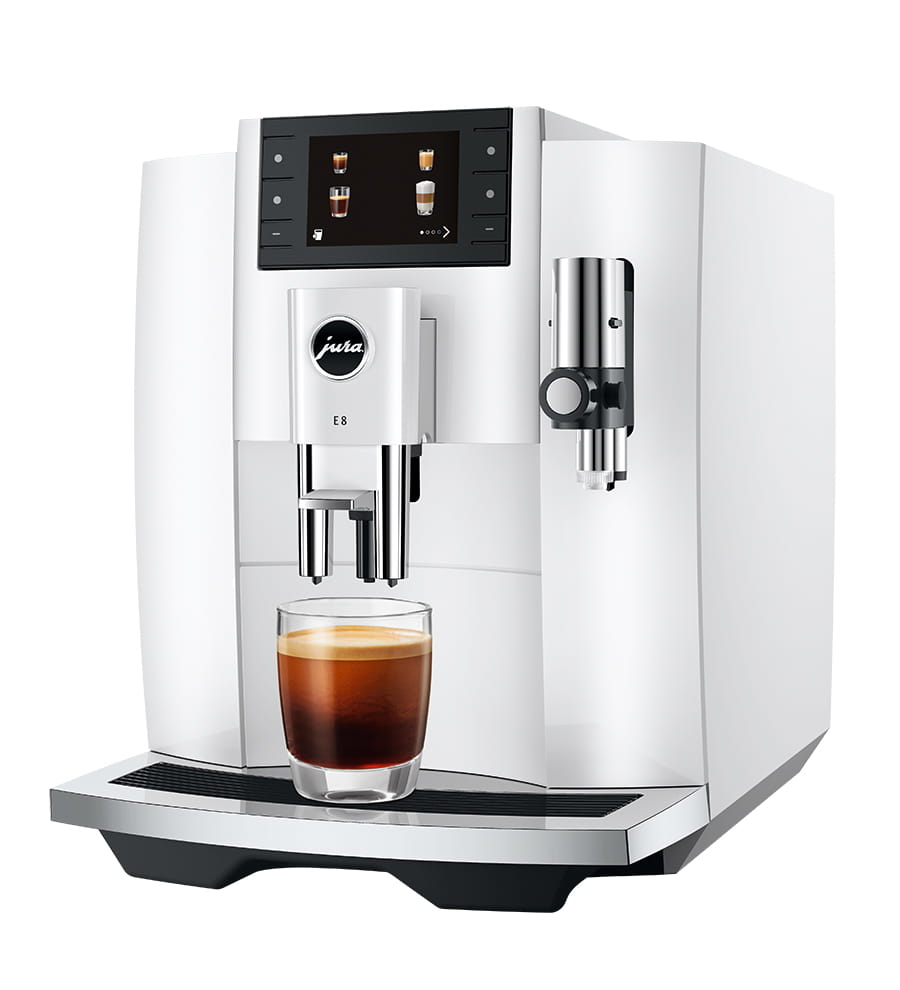
Jura E8 - 6 Grind Settings, Full Control
The E8 gives you the most grind flexibility in Jura’s mid-range: 6 Aroma G3 settings, 3-level temperature, 5-level strength. If dialing in your perfect cup matters to you, this is the machine to get.
Check E8 Price on Amazon →Related
- Perfect Espresso Settings for Your Jura - complete dial-in guide for all four settings
- Jura Coffee Weak or Watery - if adjusting grind does not fix it
- Best Coffee Beans for Jura Machines - beans that work best with Jura grinders
- Jura Coffee Not Hot Enough - temperature-specific troubleshooting
- Jura Cleaning Schedule - maintenance that keeps the grinder performing
- Jura E8 Review - our top pick for grind control
- How to Make Jura Coffee Stronger - three levers: grind, strength, and aroma
- How to Make a Lungo on Jura - lungo-specific grind and volume settings
As an Amazon Associate, we earn from qualifying purchases at no extra cost to you.